

A Step-by-Step Guide to Using Web Optimization Tools (From First Click to Real Results)


A Step-by-Step Guide to Using Web Optimization Tools (From First Click to Real Results)
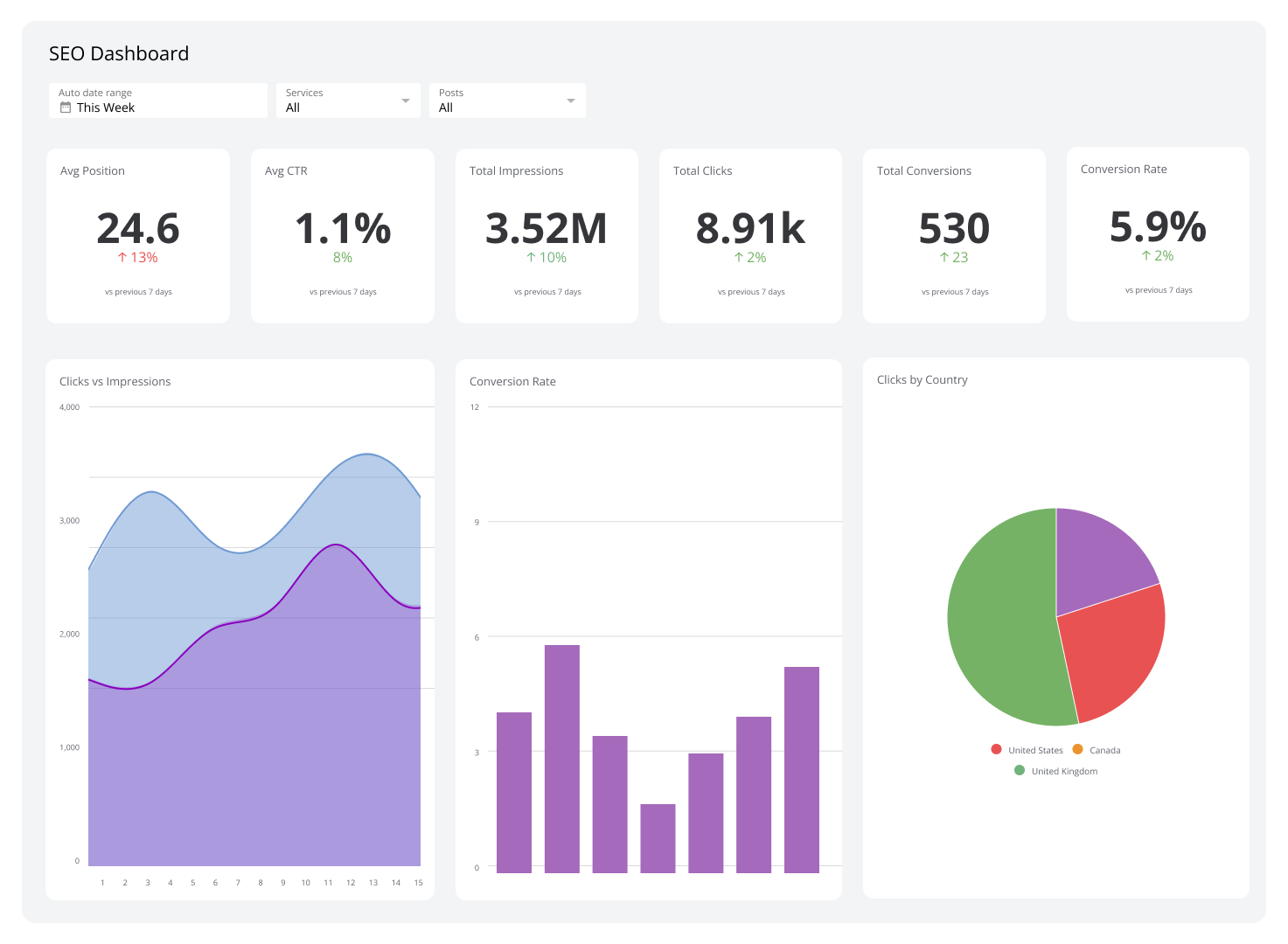
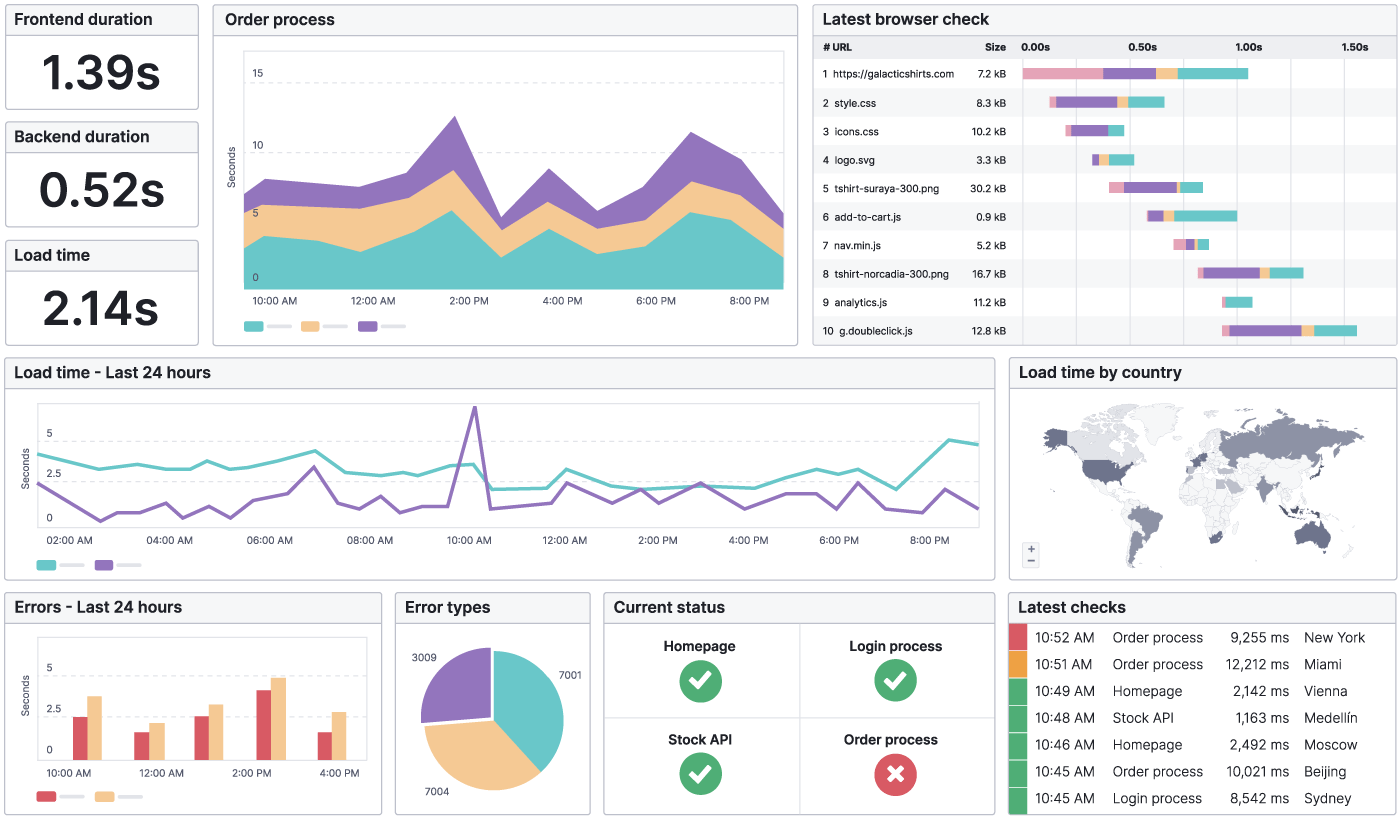
I still remember the first time I opened a web optimization tool for my website. The dashboard looked impressive, colorful, and completely overwhelming. Scores, charts, warnings, suggestions—everything flashed at once. I closed the tab thinking, “I’ll deal with this later.” If that sounds familiar, you’re not alone.
Web optimization tools are powerful, but only when you know how to use them correctly and in the right order. This guide walks you through the entire process step by step, just like I wish someone had done for me when I started. No shortcuts, no confusing terminology, and no assumptions. By the end, you’ll know how to turn raw data into real improvements that actually make your website faster, clearer, and more user-friendly.
Understanding What Web Optimization Really Means
Before touching any tool, it’s important to understand what you’re optimizing for. Web optimization isn’t just about speed, rankings, or scores. It’s about improving how real people experience your site. That includes how fast pages load, how easy content is to read, how clearly your site communicates trust, and how smoothly visitors can move from one page to another.
Modern optimization tools analyze these exact areas by simulating real user behavior, measuring performance under different conditions, and highlighting technical weaknesses. When used correctly, they act like a diagnostic scan for your website.
Step 1: Start With a Clear Baseline
Every optimization journey begins with knowing where you stand. This is where tools like Google PageSpeed Insights become invaluable. When you enter your website URL, the tool tests how your site performs on mobile and desktop devices and provides a detailed breakdown of speed, responsiveness, and stability.
What makes PageSpeed Insights reliable is that it uses real-world data from Chrome users, combined with lab testing. You can learn more about how these metrics work directly from Google’s official documentation at developers.google.com/speed/pagespeed/insights.
At this stage, resist the urge to “fix everything.” Your goal is simply to observe patterns. Are images slowing the site down? Is the main content loading late? Is mobile performance significantly weaker than desktop? Write these observations down. They will guide every decision you make next.
Step 2: See Your Site Through Search Engines’ Eyes
Once you understand performance basics, the next step is visibility and health. Google Search Console allows you to see how search engines view your website. It shows indexing status, mobile usability, page experience signals, and real search queries bringing users to your pages.
Search Console is especially helpful for identifying issues you might never notice manually, such as pages that aren’t indexed properly or errors caused by broken internal links. Google’s own Search Central resource at developers.google.com/search explains how these reports affect site visibility.
Spend time here. A fast site that search engines can’t fully understand or trust won’t reach its potential. Optimization always works best when performance and discoverability move together.
Step 3: Dive Deeper With Lighthouse Audits
Now it’s time to go one layer deeper. Lighthouse is built into Chrome and offers a structured audit across performance, accessibility, best practices, and SEO fundamentals.
Running a Lighthouse audit feels like having an expert reviewer quietly walk through your site and take notes. It points out missing alt text, inefficient scripts, unused CSS, and accessibility gaps that affect real users. The accessibility section alone is worth studying, especially if you want your site to feel inclusive and professional.
Google provides detailed explanations of Lighthouse metrics at web.dev/measure, which is an excellent reference when interpreting recommendations.
Step 4: Test Real-World Speed and Load Behavior
Lab tests are useful, but they don’t always reflect how your site behaves across different locations and networks. This is where tools like GTmetrix and WebPageTest shine.
These platforms simulate real browsers loading your site from different regions and connection speeds. You can visually see how each element loads, which files block rendering, and where delays occur. GTmetrix’s documentation at gtmetrix.com/blog explains how to interpret waterfall charts in a practical way.
This step often reveals surprising insights. A page might look fast to you locally but struggle for users on slower mobile networks. Optimization tools help you uncover these blind spots.
Step 5: Improve Images, Fonts, and Core Assets
One of the most common performance bottlenecks is unoptimized media. High-resolution images, custom fonts, and unnecessary scripts silently add weight to your pages. Optimization tools usually flag these clearly.
At this stage, focus on compressing images, using modern formats like WebP, and limiting font variations. Google’s image optimization guidelines at web.dev/fast/#optimize-your-images explain how visual quality can be preserved while reducing file size significantly.
This is also where caching and content delivery networks start making a visible difference. Even small adjustments here can reduce load times by seconds.
Step 6: Analyze User Behavior, Not Just Numbers
Numbers tell one story. People tell another. Tools like Hotjar help you understand how visitors actually interact with your site through heatmaps and session recordings.
You might discover that users rarely scroll past a certain section, or that a button is being ignored entirely. Hotjar’s learning resources at hotjar.com/resources explain how to interpret these patterns responsibly and ethically.
Optimization is not only technical. Improving clarity, layout, and content flow often leads to better engagement than speed improvements alone.
Step 7: Make Changes Slowly and Measure Again
One of the biggest mistakes beginners make is changing everything at once. Optimization tools are most effective when used in cycles. Make one or two improvements, then retest using the same tools you used initially.
This approach builds confidence and helps you understand cause and effect. Over time, you’ll start predicting how certain changes impact performance, which is when these tools truly become powerful allies rather than confusing dashboards.
Step 8: Maintain Optimization as an Ongoing Habit
Websites evolve. New content is added, plugins update, and design elements change. Optimization is not a one-time task. Set a routine to review your performance reports monthly and after major updates.
Resources like Mozilla’s web performance guides at developer.mozilla.org offer evergreen best practices that help you stay aligned with modern standards as the web evolves.
Frequently Asked Questions
What is the best web optimization tool for beginners?
For beginners, starting with Google PageSpeed Insights and Google Search Console is ideal. They are free, reliable, and backed by real-world data. Together, they provide a strong foundation for understanding both performance and search visibility without overwhelming complexity.
How often should I run web optimization checks?
A monthly check is sufficient for most websites. However, after publishing new content, installing plugins, or making design changes, running an audit helps catch issues early before they affect users.
Do optimization tools improve rankings automatically?
Optimization tools don’t directly change rankings. They provide insights that help you improve site quality. Better performance, usability, and clarity can positively influence how users interact with your site, which over time supports stronger visibility.
Is mobile optimization really that important?
Yes. Most users browse on mobile devices, and search engines prioritize mobile experiences when evaluating sites. Tools consistently show that mobile performance issues are more common and more impactful than desktop issues.
Can I rely on one tool alone?
No single tool tells the full story. Each focuses on different aspects such as speed, indexing, accessibility, or user behavior. Using multiple tools together creates a clearer, more accurate picture of your website’s health.
Are free tools enough for long-term optimization?
For many websites, free tools are more than sufficient when used correctly. Paid tools can offer convenience and advanced features, but the fundamentals of optimization are fully covered by high-quality free platforms.
Bringing It All Together
Web optimization tools are not intimidating once you understand their purpose. They are simply mirrors showing how your website performs in the real world. When you approach them step by step, with curiosity instead of pressure, they become guides rather than critics.
Start with a baseline, study the data calmly, and make thoughtful improvements one layer at a time. Focus on real users, not just scores. Over weeks and months, these small, intentional changes compound into a website that feels faster, clearer, and more trustworthy.
If there’s one mindset shift to remember, it’s this: optimization is a conversation between your website and its visitors. The tools simply translate that conversation into something you can understand and improve.
.jpg)
Popular Tools
Recent Posts

.webp)


