
Best Free SEO Tools for Website Performance Analysis

Best Free SEO Tools for Website Performance Analysis (That Actually Work)
A few years ago, I still remember staring at my first website analytics dashboard late at night, wondering why my pages loaded slowly and why Google wasn’t sending any traffic at all. I had no budget for premium tools, no agency support, and no shortcuts—just curiosity and persistence. What changed everything was discovering a set of free SEO tools that revealed what was really happening behind the scenes of my website.
Website performance analysis is not just about speed or rankings. It is about understanding how search engines see your site, how users experience it, and where silent problems are holding you back. The good news is that you don’t need expensive software to gain those insights. Some of the most reliable and trusted SEO tools in the world are completely free, and when used correctly, they are powerful enough to build a strong, high-performing website.
This guide walks you through the best free SEO tools for website performance analysis, explained with real-world context, practical examples, and expert-backed insights so you can confidently improve your site step by step.
Why Website Performance Analysis Matters More Than Ever
Search engines have evolved dramatically. Today, performance is deeply tied to user experience. A slow-loading page, broken links, or poor mobile usability can quietly hurt rankings even if your content is excellent. Studies published by Google show that users are far more likely to leave a site if it takes longer than three seconds to load, and those signals feed directly into search visibility.
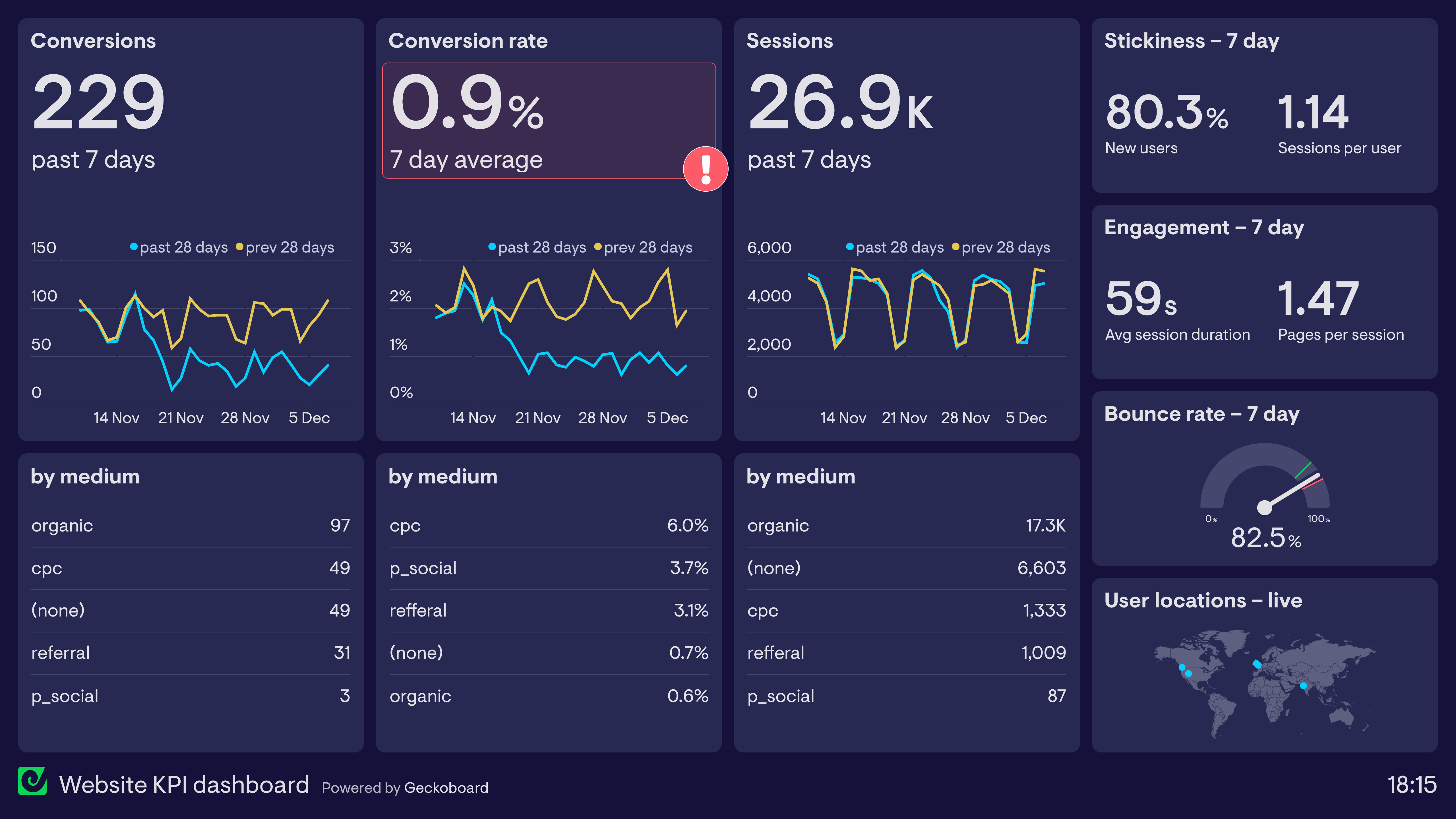
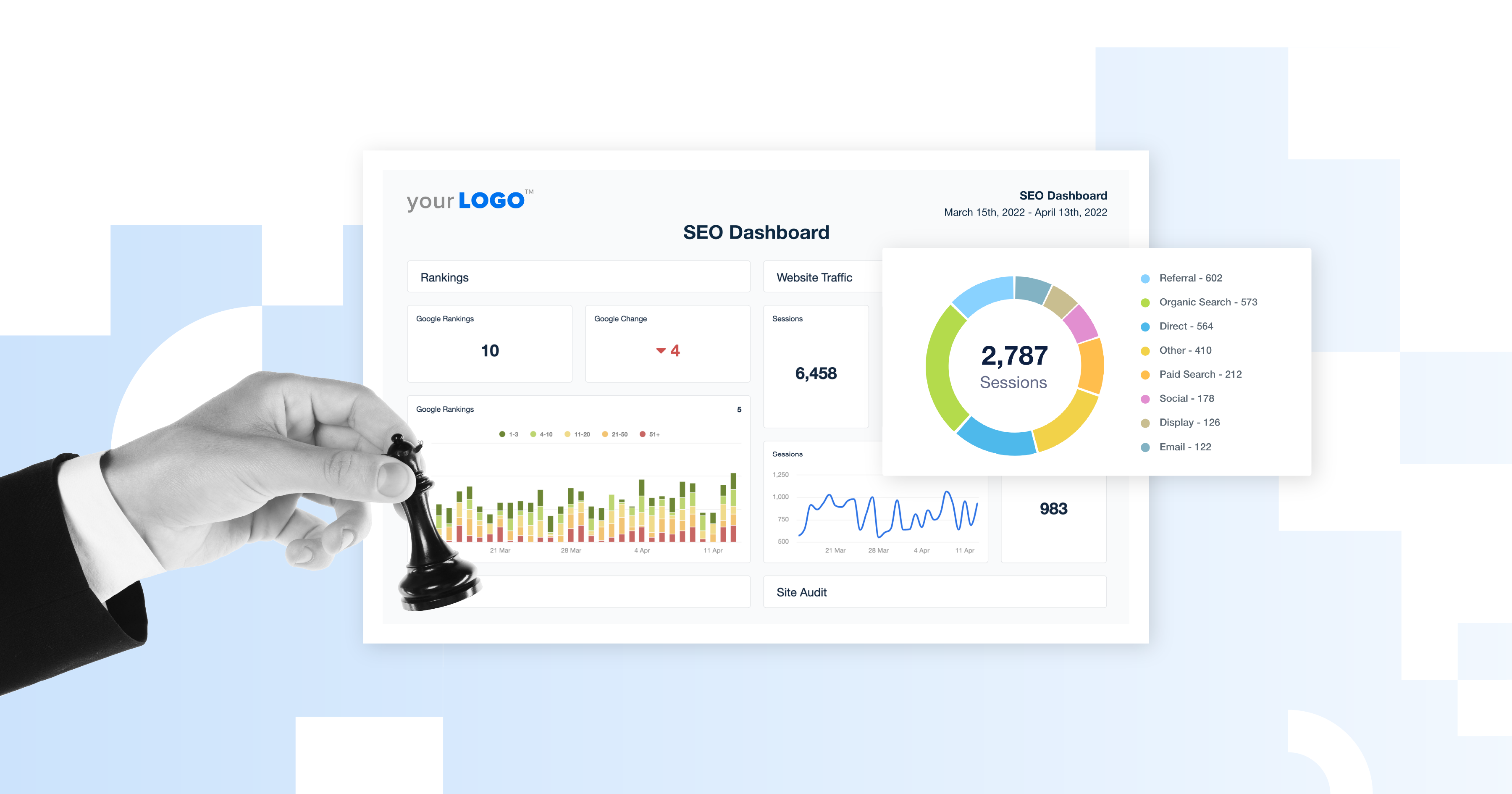
Performance analysis helps you answer essential questions. Are your pages loading fast enough on mobile? Is Google indexing your content correctly? Are technical errors preventing your best pages from ranking? Without clear data, optimization becomes guesswork. With the right free tools, it becomes a guided process.
Google Search Console: The Foundation of Performance Analysis
Google Search Console is the first tool every website owner should use. It is not optional; it is foundational. Search Console connects your site directly to Google and shows how your pages appear in search results, which queries bring traffic, and where technical issues exist.
From personal experience, Search Console often reveals hidden problems before they become serious. Coverage reports can show indexing errors, while the Page Experience and Core Web Vitals sections highlight real performance issues affecting users. Google’s own documentation explains how these metrics reflect actual user interactions rather than lab simulations, making the insights incredibly trustworthy.
If you fix nothing else, start by resolving the errors and warnings shown here. It is one of the clearest ways to align your website with Google’s expectations.
Google PageSpeed Insights: Understanding Real Speed Issues
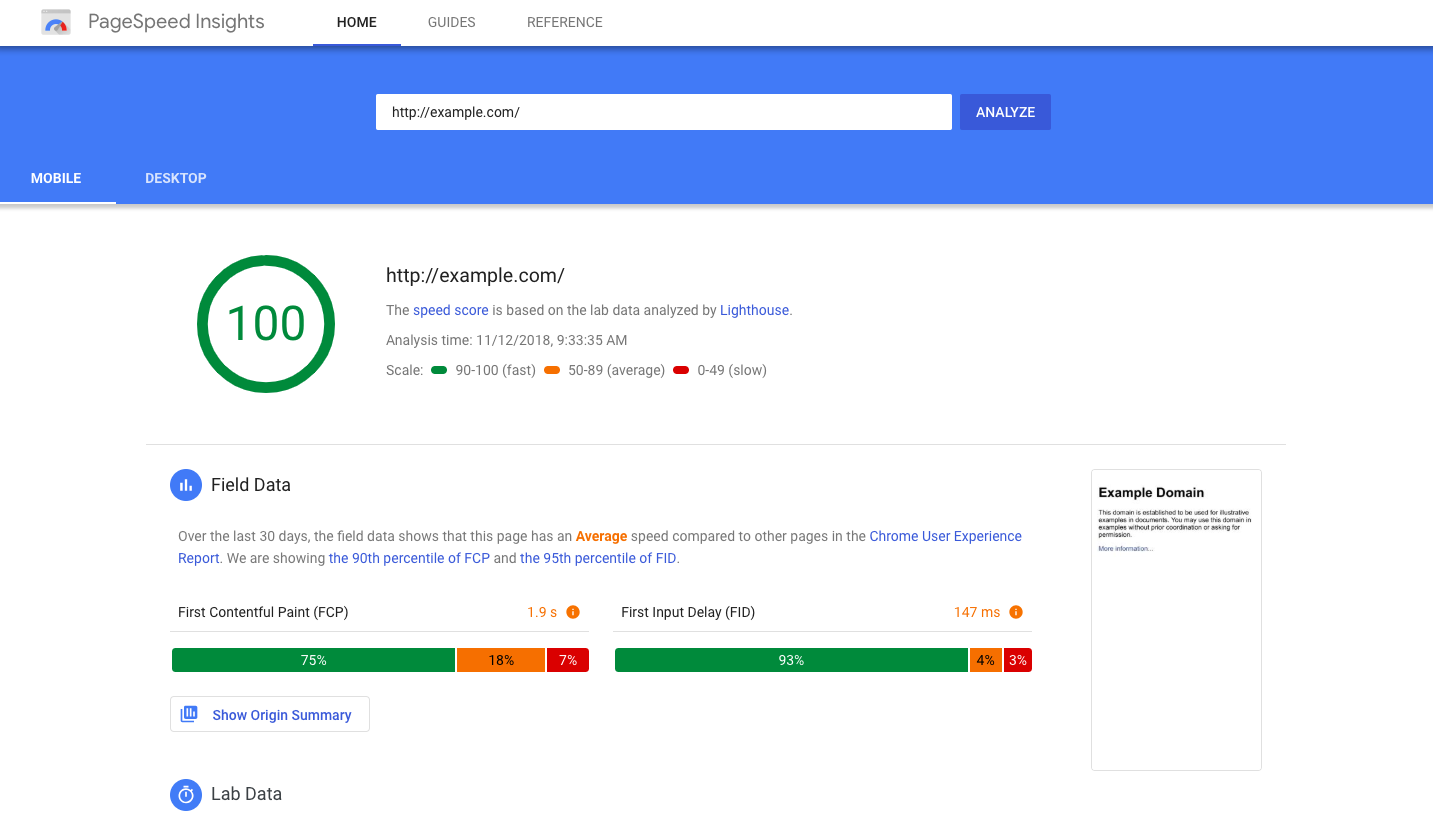
Google PageSpeed Insights goes beyond basic speed tests. It combines lab data with real-world user data from Chrome users, showing how your site performs in real conditions.
The tool highlights metrics like Largest Contentful Paint, First Input Delay, and Cumulative Layout Shift. These may sound technical, but PageSpeed Insights explains them in plain language and provides clear suggestions. When I optimized image sizes and reduced unused scripts based on its advice, load times improved noticeably, and bounce rates dropped.
Google’s performance research consistently emphasizes that faster sites lead to better engagement, making this tool essential for performance-focused SEO.
Lighthouse: A Deeper Technical Performance Audit
Lighthouse is built into Chrome and provides an advanced performance, accessibility, and SEO audit. Unlike PageSpeed Insights, Lighthouse lets you test pages in controlled conditions, which is extremely useful when diagnosing technical issues.
What makes Lighthouse special is its holistic view. It does not just test speed; it evaluates best practices, accessibility standards, and SEO fundamentals. This makes it ideal for improving overall website quality, not just rankings.
Developers and SEO professionals often rely on Lighthouse because it follows Google’s own engineering standards, making its recommendations highly credible.
GTmetrix: Visualizing Performance Bottlenecks
GTmetrix helps you see what is slowing your website down in a very visual way. Waterfall charts show how each file loads, revealing render-blocking scripts or oversized images.
When I first used GTmetrix, I discovered that a single unoptimized image was delaying the entire page load. Fixing that one issue made a noticeable difference. The tool also provides historical reports, allowing you to track improvements over time.
GTmetrix’s testing methodology is widely respected in the web performance community, making it a reliable companion to Google’s tools.
Bing Webmaster Tools: An Overlooked Performance Advantage
Bing Webmaster Tools often gets ignored, but it provides valuable performance insights that complement Google Search Console. Bing’s site scan feature detects SEO and technical issues, while performance reports show how your site appears in Bing search results.
Because Bing powers multiple search platforms, optimizing based on its data can expand your reach beyond Google. Microsoft’s official guidance explains how Bing’s performance metrics align closely with modern SEO best practices, making this tool surprisingly useful.
Ahrefs Webmaster Tools: Free Insights from an Industry Leader
Ahrefs Webmaster Tools offers a free version of one of the most respected SEO platforms in the world. While the paid version is powerful, the free Webmaster Tools provide site audits and backlink insights that are invaluable.
The site audit feature highlights performance and technical issues, while backlink reports help you understand your site’s authority. Ahrefs’ research-driven approach and transparent methodology make their recommendations highly trusted among SEO professionals.
Using this tool regularly can help you spot problems that automated speed tests might miss.
Screaming Frog SEO Spider (Free Version): Technical Clarity
Screaming Frog SEO Spider is a desktop crawler that scans your website the way search engines do. The free version allows crawling up to 500 URLs, which is enough for many small to medium websites.
This tool excels at identifying broken links, duplicate content, missing meta data, and redirect issues. From experience, Screaming Frog often uncovers structural problems that silently impact performance and indexing.
Its crawling methodology mirrors real search engine behavior, making it a trusted diagnostic tool worldwide.
Moz Link Explorer: Measuring Authority and Trust
Moz Link Explorer helps you understand the quality and quantity of links pointing to your site. While not a speed tool, backlink health directly affects performance in search rankings.
Moz’s domain authority metrics are widely cited in SEO research and provide a reliable snapshot of a site’s credibility. Reviewing your link profile can help identify harmful links and opportunities for growth.
Ubersuggest: Beginner-Friendly Performance Insights
Ubersuggest offers a simple interface for performance analysis, keyword insights, and basic audits. It is especially helpful for beginners who want actionable guidance without overwhelming complexity.
The tool’s site audit feature highlights SEO and performance issues with clear explanations, making it easier to take corrective steps.

How to Use These Tools Together for Real Results
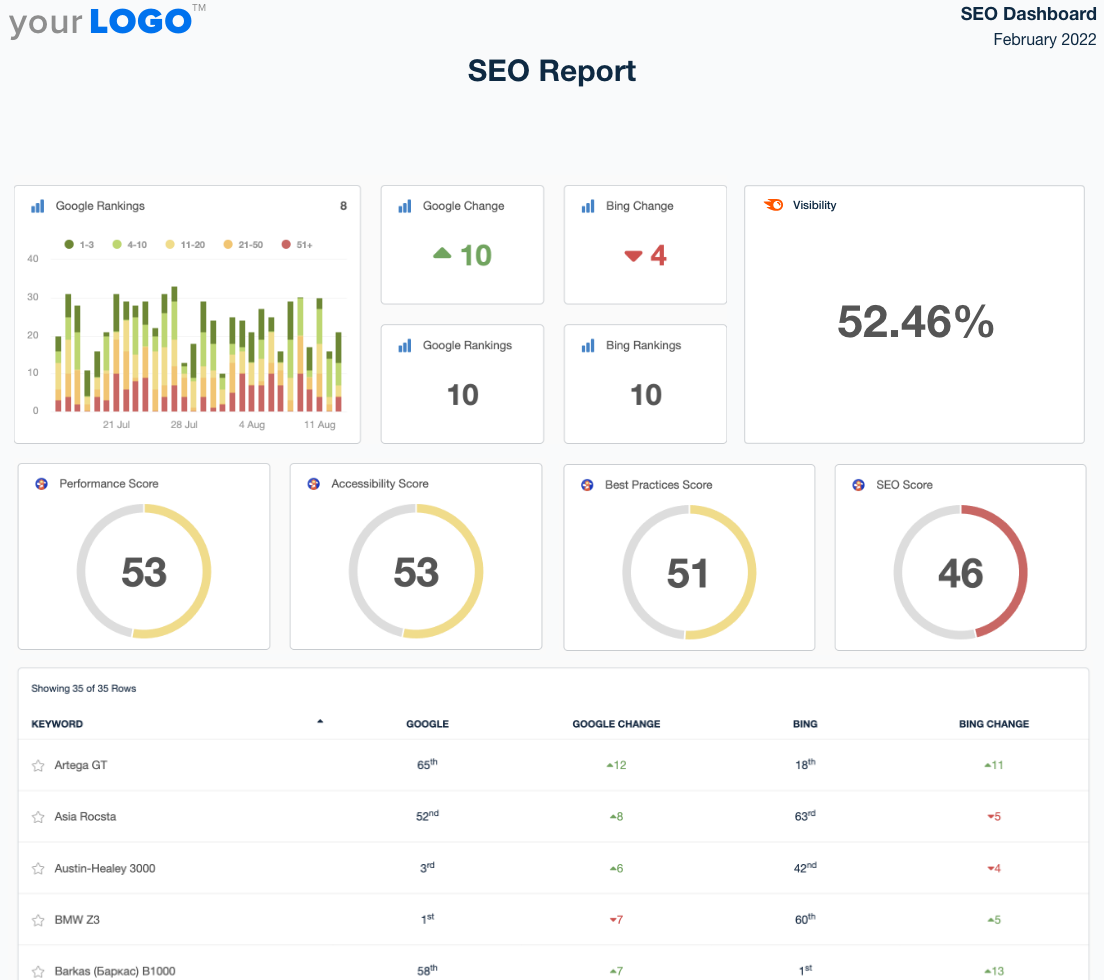
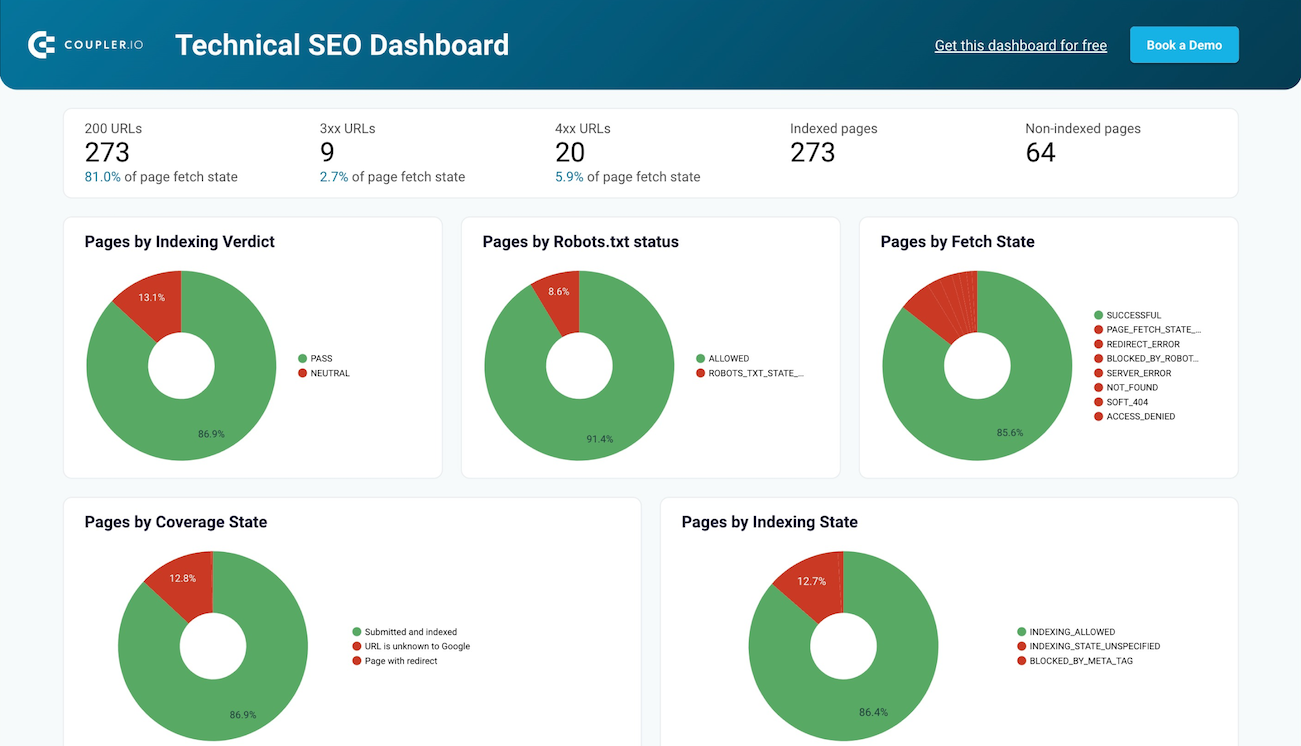
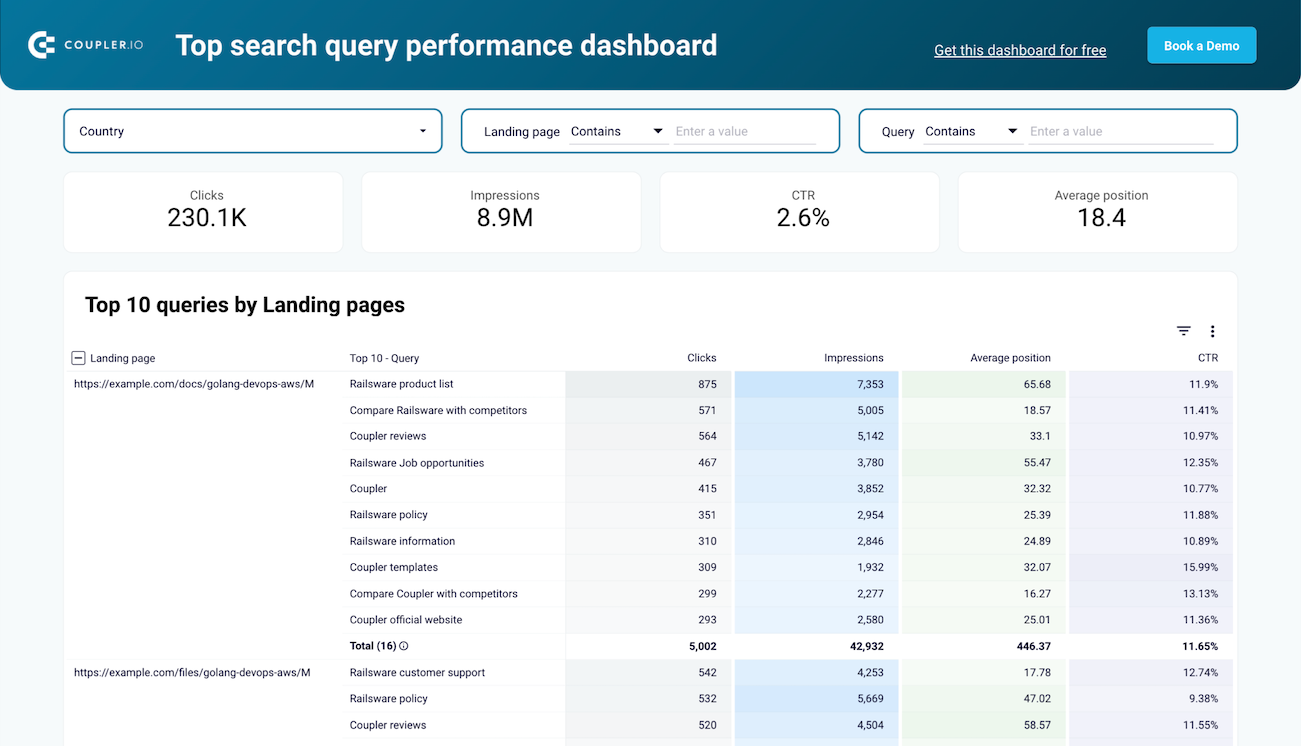
No single tool tells the full story. The real power comes from combining insights. Start with Google Search Console to understand indexing and visibility. Use PageSpeed Insights and Lighthouse to fix speed and experience issues. Validate improvements with GTmetrix. Then audit structure and links using Screaming Frog, Ahrefs Webmaster Tools, and Moz.
This layered approach reflects how professional SEO audits are conducted, ensuring that performance improvements are comprehensive and sustainable.
Frequently Asked Questions
Are free SEO tools reliable for serious website performance analysis?
Yes, many free SEO tools are developed by companies that define industry standards. Google’s tools provide direct data from search engines, while platforms like Ahrefs and Moz apply research-backed methodologies. For most websites, free tools are more than sufficient when used correctly.
How often should website performance analysis be done?
Performance analysis should be ongoing. Monthly reviews are ideal, with additional checks after major site updates. Regular monitoring helps catch issues early before they impact traffic or user experience.
Can free tools help improve website rankings?
Free tools do not directly improve rankings, but they reveal issues that prevent strong performance. Fixing speed, usability, and technical errors based on these insights often leads to better visibility over time.
Is technical knowledge required to use these tools?
Most tools are designed for non-technical users and explain issues clearly. While deeper fixes may require technical help, many improvements can be implemented with basic website management skills.
Do these tools work for Blogger websites?
Yes, these tools work well with Blogger platforms. Google Search Console and PageSpeed Insights are especially effective for analyzing Blogger site performance and indexing.
Final Thoughts: Turning Insights into Action
Website performance analysis is not about chasing perfect scores or obsessing over every metric. It is about understanding how real users and search engines experience your site and making steady improvements that compound over time.
The tools discussed here are trusted by professionals, backed by real-world data, and completely free. Start with one, learn what it reveals, and take action. Over time, these small optimizations can transform your website into a faster, more reliable, and more visible platform.
If you approach performance analysis with patience, curiosity, and consistency, you will not only improve rankings but also build a website that genuinely serves its audience better. That is the kind of progress that lasts.
.jpg)
Popular Tools
Recent Posts

.webp)


